How I got rid of and Removed SISZPE32.EXE
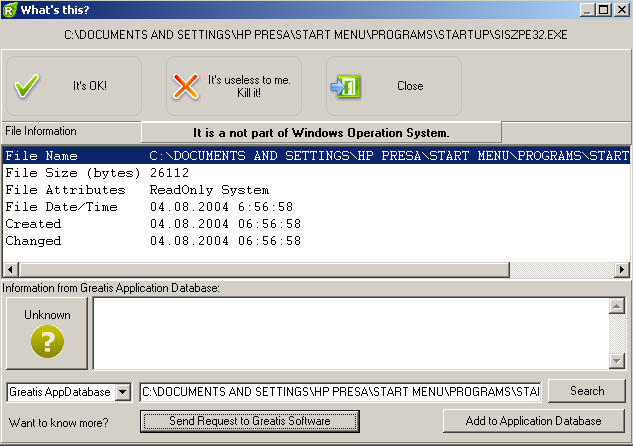
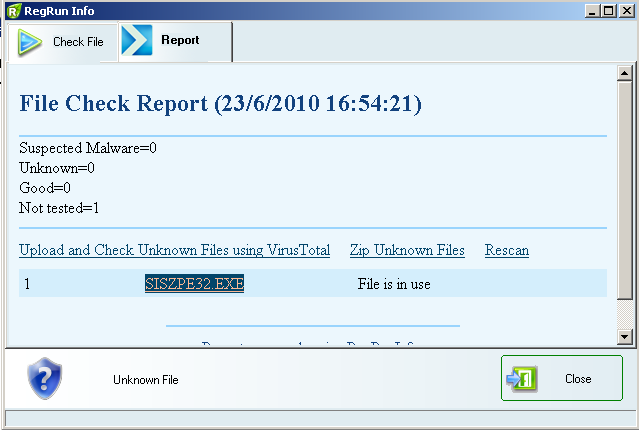
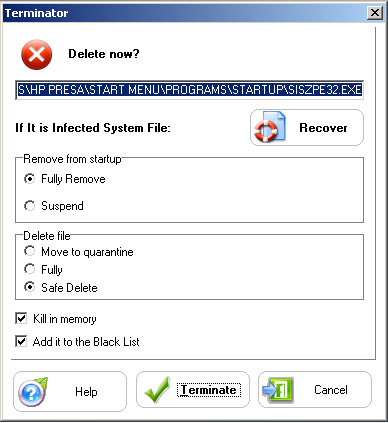
Today my desktop security software alerted me that SISZPE32.EXE was being added to my list of apps that start with my computer ( xp pro ) … . As you can see from the screenshots below my anti rootkit and trojan software detected the app but was unable to get rid of it from within windows. I used the RegRun Warrior CD to remove SISZPE32.EXE which is a Trojan/Backdoor. I’m not sure what it does.
Once you have the Warrior cd I just followed these steps:
- I put the cd in. - Turned off my computer. - Turned it on and waited until my screen said “press any key to boot from cdâ€â€¦ I pressed a key. - The Warrior app loads and scans. - It detected the app and let me click “Get it Out†to remove the SISZPE32.EXE . - I restarted my pc and all seems to be fine again.